Legal
Terms and conditions — Business
Version 2.0 • Effective Date: February 11, 2026 • Jurisdiction: Antigua and Barbuda
1. Introduction and Scope
This Merchant & Agent Service Agreement ("Agreement") is a legally binding contract between ClicCash Limited, a company incorporated in Antigua and Barbuda with its registered office at Unit #16, Royal Palm Place, Friar's Hill Road, St. John's ("ClicCash", "we", "us"), and the commercial entity or sole proprietor identified in the Business Application Form ("Merchant", "Agent", "You").
ClicCash is registered with the Office of National Drug and Money Laundering Control Policy (ONDCP) as a Money Service Business (Registration Number: PSP-0001). By applying for a ClicCash Business Account or using the ClicCash Business App(s) or web Portal, you agree to strictly adhere to terms set out below. This Agreement should be read in conjunction with the ClicCash Consumer Terms of Service, which governs the relationship between ClicCash and individual consumer users. In the event of a dispute involving a consumer transaction, the Consumer Terms of Service shall apply to the consumer-facing aspects of the transaction.
2. Definitions
- "Agent": A Business User authorized by ClicCash to facilitate Cash-In and Cash-Out transactions for Consumers.
- "Business Account": The electronic profile held by you to manage funds, settlements, and reports.
- "Chargeback": A demand by ClicCash or a reversal of a transaction due to fraud, error, or dispute.
- "ClicCash Marks": All trademarks, service marks, logos, QR code materials, signage, and branding elements owned by or licensed to ClicCash Limited.
- "Confidential Information": Any non-public information disclosed by one party to the other, including business plans, pricing, customer data, technical specifications, and proprietary processes.
- "Digital Value": The electronic representation of money stored in the ClicCash ecosystem.
- "Float": The balance of Digital Value or physical cash required to facilitate Agent services.
- "Force Majeure Event": Any event beyond the reasonable control of a party, including but not limited to hurricanes, earthquakes, floods, epidemics, acts of God, war, terrorism, civil unrest, power outages, telecommunications failures, government actions, or regulatory changes.
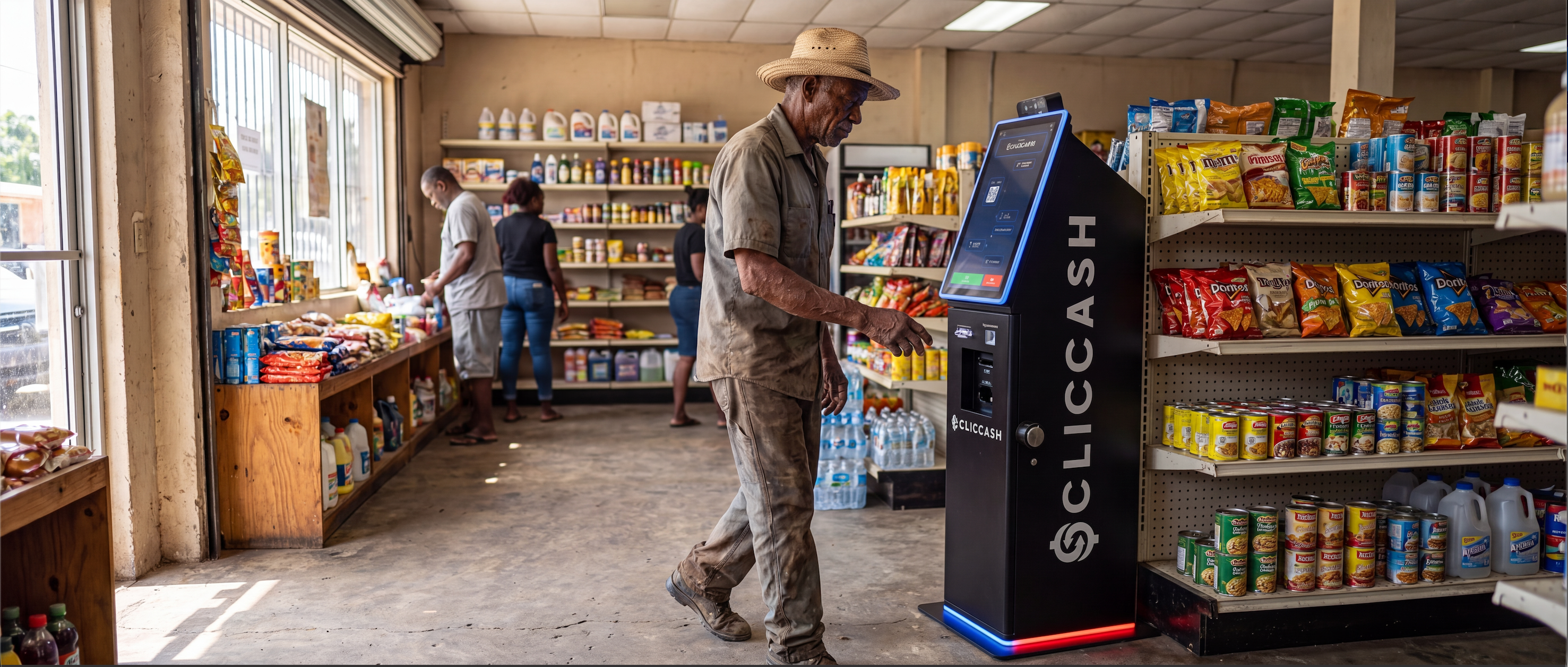
- "RPT" (Remote Payment Terminal): A kiosk used for cash-in and cash-out services within the ClicCash network.
3. Appointment and Status
3.1 Non-Exclusivity
ClicCash appoints you as a non-exclusive Merchant (and/or Agent, if applicable) to accept payments and facilitate transactions using the ClicCash platform.
3.2 Independent Contractor
You are an independent contractor. Nothing in this Agreement creates a partnership, joint venture, or employment relationship between you and ClicCash. You have no authority to bind ClicCash to any agreement or debt.
4. Merchant Obligations (Payment Acceptance)
4.1 Acceptance
You agree to accept ClicCash Digital Value as payment for goods and services at face value.
4.2 No Surcharging
You must not impose any surcharge, extra fee, or minimum spend requirement on customers choosing to pay with ClicCash unless expressly permitted by applicable law, and any such permitted surcharge is displayed clearly to the customer prior to the transaction.
4.3 Prohibited Goods
You warrant that you will not use ClicCash to accept payments for illegal goods, unlicensed gambling, adult entertainment, or any activity prohibited by the Money Laundering (Prevention) Act or ClicCash's Acceptable Use Policy.
5. Agent Obligations (Cash-In / Cash-Out)
This section applies only if you are authorized as an "Agent" to perform Cash-In/Cash-Out services.
5.1 Liquidity and Float Maintenance
Liquidity is the lifeblood of our network. You warrant that you shall maintain sufficient:
- Physical Cash to honor Consumer "Cash-Out" requests; and
- Digital Value (E-Float) to honor Consumer "Cash-In" requests.
Failure to maintain adequate liquidity (denying service to customers due to lack of funds) may result in the downgrade of your status as an agent.
5.2 Trust and Safety
You are responsible for verifying the physical presence of the Consumer before processing any Cash-In or Cash-Out transaction. Remote processing of Agent transactions is strictly prohibited.
6. Bank Settlement, Fees, and Taxes
6.1 Bank Settlement
ClicCash will settle funds from your Business Account to your designated bank account under one of the following methods, as agreed during onboarding:
- (a) On-Demand Settlement: Upon your request to initiate a bank settlement, ClicCash will process the transfer within one (1) business day of receipt of such request (T+1 of request).
- (b) Scheduled Settlement: Where you and ClicCash have agreed upon a recurring settlement frequency (e.g., daily, weekly, bi-weekly, monthly), settlements will be processed automatically in accordance with that agreed schedule.
All settlements are made on a Net Basis: we deduct all applicable Transaction Fees, Commissions, and taxes before transferring the remaining funds to you. For clarity, settlements are not processed automatically on every transaction; they occur only upon your request or per the pre-agreed schedule.
6.2 Fees
You agree to pay the fees set forth in the ClicCash Merchant Fee Schedule. ClicCash reserves the right to update these fees with 21 days' written notice.
6.3 Taxes
You are solely responsible for calculating, collecting, and remitting any applicable taxes (including ABST) on the sale of your goods or services. ClicCash is not a tax agent and will not withhold taxes on your behalf unless legally compelled to do so.
7. The Right of Set-Off
To protect ClicCash against financial risk, you grant us an irrevocable Right of Set-Off.
7.1 Fraud-Related Set-Off (Immediate, No Prior Notice)
If you owe ClicCash any money due to confirmed or suspected fraud, money laundering, or illegal activity, we may, without prior notice:
- Deduct the amount owed from your Business Account balance;
- Deduct the amount owed from your pending Settlements; or
- Debit any other account held by you with ClicCash.
7.2 Non-Fraud Set-Off (With Notice)
If you owe ClicCash any money due to unpaid fees, Chargebacks, erroneous credits, or regulatory fines caused by your conduct, we will provide you with forty-eight (48) hours' written notice before exercising the right to:
- Deduct the amount owed from your Business Account balance;
- Deduct the amount owed from your pending Settlements; or
- Debit any other account held by you with ClicCash.
This right exists irrespective of any other legal remedies we may have.
8. Warranties, KYC, KYB and AML Compliance
8.1 Corporate Authority
You represent and warrant that you are a validly existing business entity under the laws of Antigua and Barbuda and that the individual signing this Agreement has full authority to bind the business.
8.2 AML/CFT Compliance
You acknowledge that ClicCash is a regulated entity. You agree to:
- Provide all Know Your Business (KYB) documentation (e.g., Business Registration, Director IDs, Proof of Address) as required by us.
- Respond to any requests from ClicCash regarding suspicious transactions within forty-eight (48) hours of receipt of such request.
- Report any suspicious activity observed at your location to ClicCash Compliance without delay.
Failure to cooperate with compliance requests within the specified timeframe may result in suspension of your Business Account pending investigation, and may constitute grounds for immediate termination under Section 11.2.
9. Intellectual Property
9.1 Limited License
ClicCash grants you a non-exclusive, non-transferable, revocable license to use the ClicCash Marks solely for the purpose of identifying your business as a ClicCash-accepting Merchant and/or authorized Agent. This license is limited to the term of this Agreement.
9.2 Restrictions
You shall not modify, alter, or create derivative works from the ClicCash Marks. You shall not use ClicCash branding in any manner that implies endorsement, partnership, or affiliation beyond the scope of this Agreement, except where ClicCash has provided prior written permission for specific co-branding, marketing campaigns, or other pre-agreed promotional use of the ClicCash Marks. Any such permitted use shall be governed by the terms and conditions specified in that written permission.
9.3 Return of Materials
Upon termination of this Agreement for any reason, you shall immediately cease use of all ClicCash Marks and return or destroy (at ClicCash's direction) all physical and digital branding materials, including QR code signage, promotional materials, and any items bearing the ClicCash name or logo.
10. Confidentiality
10.1 Obligations
Each party agrees to hold in confidence all Confidential Information received from the other party and to use such information solely for the purposes of performing its obligations under this Agreement. Neither party shall disclose Confidential Information to any third party without the prior written consent of the disclosing party, except as required by law or regulatory authority.
10.2 Exceptions
Confidentiality obligations do not apply to information that: (a) is or becomes publicly available through no fault of the receiving party; (b) was already known to the receiving party prior to disclosure; (c) is independently developed without reference to the Confidential Information; or (d) is required to be disclosed by law, regulation, or court order, provided that the receiving party gives prompt notice to the disclosing party where legally permitted.
10.3 Survival
The obligations under this Section shall survive the termination of this Agreement for a period of two (2) years.
11. Liability and Indemnity
11.1 Limitation of Liability
ClicCash shall not be liable for any indirect, incidental, or consequential damages (including lost profits) arising from the use of the Service or any system downtime.
11.2 Indemnification
You agree to indemnify, defend, and hold harmless ClicCash Limited, its affiliated company ClicCash Technologies Canada Ltd., and its officers from any claims, fines, penalties, or losses arising out of:
- Your breach of this Agreement;
- Fraud or negligence committed by you or your employees; or
- Fines imposed on ClicCash by the ONDCP or any other regulatory authority resulting from your failure to comply with AML/CFT laws.
12. Termination
12.1 Termination for Convenience
Either party may terminate this Agreement by providing 30 days' written notice.
12.2 Immediate Termination for Cause
ClicCash may terminate this Agreement immediately (suspending all services and freezing funds) if:
- You engage in fraud, money laundering, or illegal activity.
- You become insolvent or enter liquidation.
- You materially breach the terms of this Agreement.
12.3 Consequences of Termination
Upon termination for any reason:
- (c) All licenses granted under Section 9 shall immediately terminate.
- (d) You shall comply with Section 9.3 (Return of Materials).
- (e) ClicCash shall process a final settlement of any undisputed amounts owed to you within thirty (30) business days of termination, less any amounts owed to ClicCash under this Agreement.
- (f) Where funds are frozen under Section 12.2, ClicCash shall provide you with written notice of the reasons for the freeze within five (5) business days. Frozen funds shall be released or forfeited in accordance with applicable law, and you may contest any freeze by submitting a written appeal to compliance@cliccash.com within fourteen (14) days of receiving such notice.
13. Force Majeure
Neither party shall be liable for any failure or delay in performing its obligations under this Agreement to the extent that such failure or delay is caused by a Force Majeure Event. The affected party shall promptly notify the other party of the Force Majeure Event and use reasonable efforts to mitigate its effects. If a Force Majeure Event continues for more than sixty (60) consecutive days, either party may terminate this Agreement upon written notice.
14. Dispute Resolution
14.1 Informal Resolution
In the event of any dispute arising out of or relating to this Agreement, the parties shall first attempt to resolve the dispute through good faith negotiation for a period of thirty (30) days from written notice of the dispute.
14.2 Mediation
If the dispute cannot be resolved through negotiation, the parties agree to submit the dispute to mediation administered by a mutually agreed mediator in St. John's, Antigua and Barbuda, before commencing any legal proceedings.
14.3 Jurisdiction
If mediation is unsuccessful, either party may bring proceedings before the courts of Antigua and Barbuda, which shall have exclusive jurisdiction over any dispute arising from this Agreement.
15. General Provisions
- Amendment: ClicCash reserves the right to amend this Agreement by providing twenty-one (21) days' written notice to you via email or through the ClicCash Business App or Portal. Your continued use of the ClicCash platform after the expiration of the notice period shall constitute acceptance of the amended terms. If you do not agree to the amended terms, you may terminate this Agreement in accordance with Section 12.1 before the amendments take effect.
- Governing Law: This Agreement is governed by the laws of Antigua and Barbuda.
- Finality: Transactions processed through the system are final and irrevocable once confirmed, in accordance with applicable law.
- Data Usage: You consent to ClicCash using your trading data to improve our services and, where applicable, to assess your eligibility for future products.
- Entire Agreement: This Agreement, together with the ClicCash Merchant Fee Schedule, ClicCash Privacy Policy, and ClicCash Consumer Terms of Service, constitutes the entire agreement between the parties with respect to the subject matter hereof.
- Severability: If any provision of this Agreement is held to be invalid or unenforceable, the remaining provisions shall remain in full force and effect.
- Assignment: You may not assign this Agreement or any rights hereunder without the prior written consent of ClicCash. ClicCash may assign this Agreement to any affiliate or successor entity.
- Support: For business support, contact support@cliccash.com.
Contact Us
If you have questions about this Agreement, please contact us:
ClicCash Support
Mailing Address
ClicCash Limited
Unit #16, Royal Palm Place, Friar's Hill Road
St. John's, Antigua & Barbuda
By clicking "Accept" or signing the Merchant Application, you acknowledge that you have read, understood, and agree to be bound by this Merchant & Agent Service Agreement.